Creating characters for your illustration book and designing a book cover are important parts of bringing your story to life.
This tutorial will guide you through the process of character creation using the Midjourney platform, a powerful tool for generating unique and dynamic characters.
Watch this video guiding you through the process of making characters in Midjourney:
Video Timestamps:
- 00:00 how to create characters in midjourney
- 00:28 midjourney prompt to create your first original character
- 01:36 Create variations of your character sheet
- 02:10 copy your character sheet into photoshop to extract individual characters
- 02:56 line up your extracted characters
- 03:25 creating next characte prompt from our previous work
- 03:32 copy and paste original prompt after character sheet reference images
- 03:45 how to apply action to consistent character
- 04:00 how to make character run (improve running action)
- 04:18 using genering running sheet to make better character actions
- 04:50 isolate running character in photoshop
- 05:00 make illustration book story background (new midjourney prompt)
- 05:15 combine character with story background
- 05:28 creating book title in illustrator
- 06:06 adding title to the book cover and changing its color
Midjourney can be beneficial for authors who need a character for their book, illustrators who require inspiration for new designs, or game developers who need to generate multiple characters for their game.
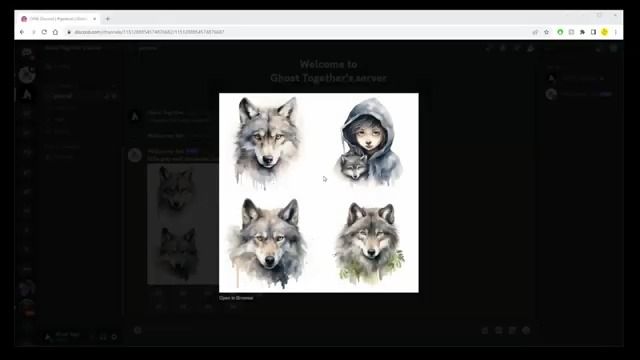
Firstly, start your character creation process in Midjourney by describing your character in detail. For instance, you could be creating a little gray wolf with a red scarf, gray boots, a yellow jacket, a long tail, and holding a rose. Being specific about your character's features can help Midjourney generate more precise results.
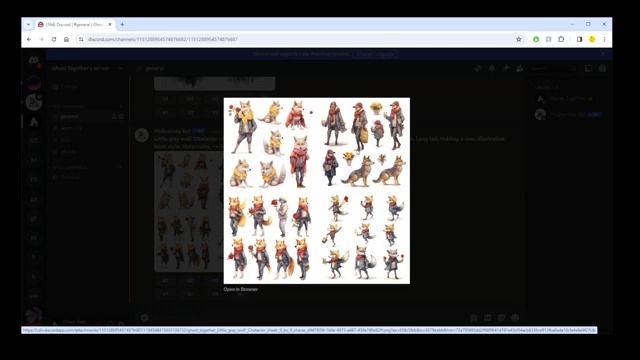
After describing your character, request Midjourney to generate multiple characters in different poses by typing 'character sheet 9 by 9 characters in different poses'. This will give you a range of characters to choose from. Once you have your initial characters, you can upscale or regenerate the images until you find the character that you want to use in your book.
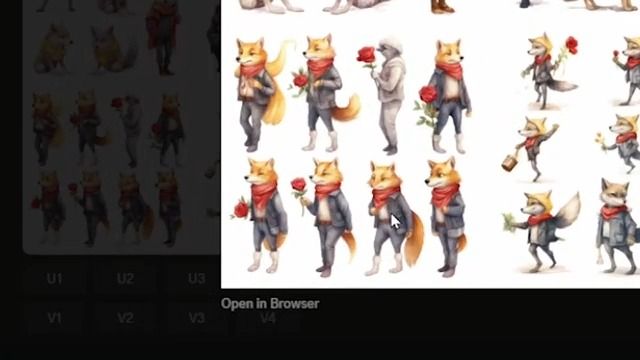
Once you have selected your favorite character, you can create variations of that character. This will generate four sheets with uniform characters in more poses and variations. Continue this process until you have your perfect character.
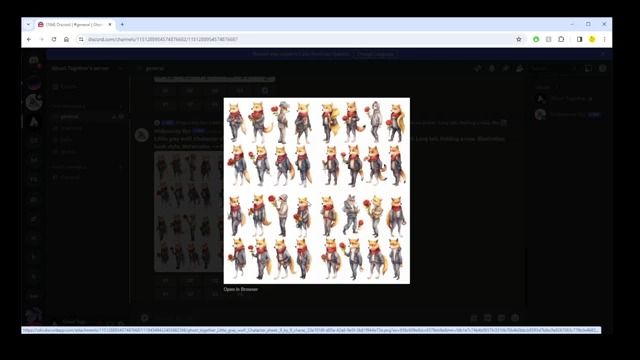
After creating your character and its variations, open your favorite character sheet in Photoshop. Select and copy the initial version of your character, then paste it back into the Midjourney chat. Repeat this process for every character that looks similar to your original vision.
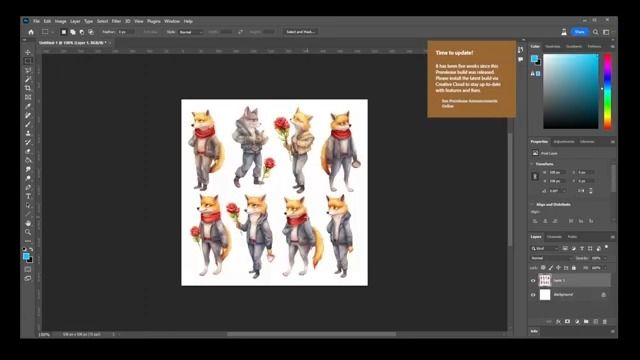
After pasting all your characters back into the Midjourney chat, start a new prompt and paste all the URLs of the images into the prompt. This will help you generate a new character with improved consistency.
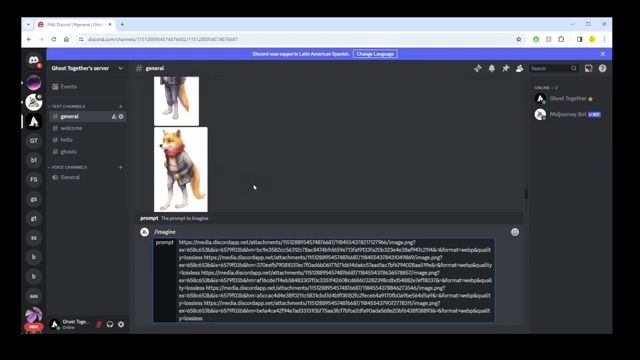
Next, replace the 'character sheet 9 by 9 characters in different poses' phrase with 'running' or any other action you want your character to perform. This will help you generate a character performing a specific action, such as running.
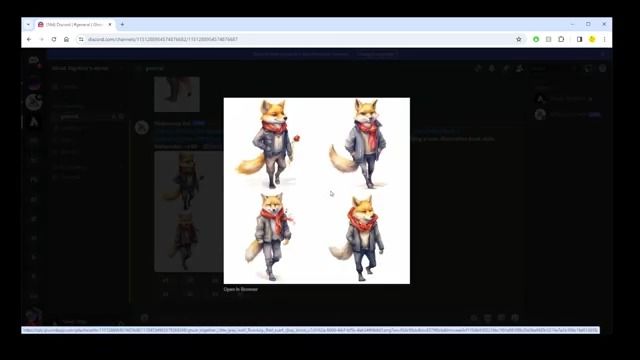
Now that you have a character running, you can improve the quality of the running action. Find a generic running animation sheet from Google, copy its image address, and paste it into a new prompt in Midjourney. This will generate an improved running action for your character.
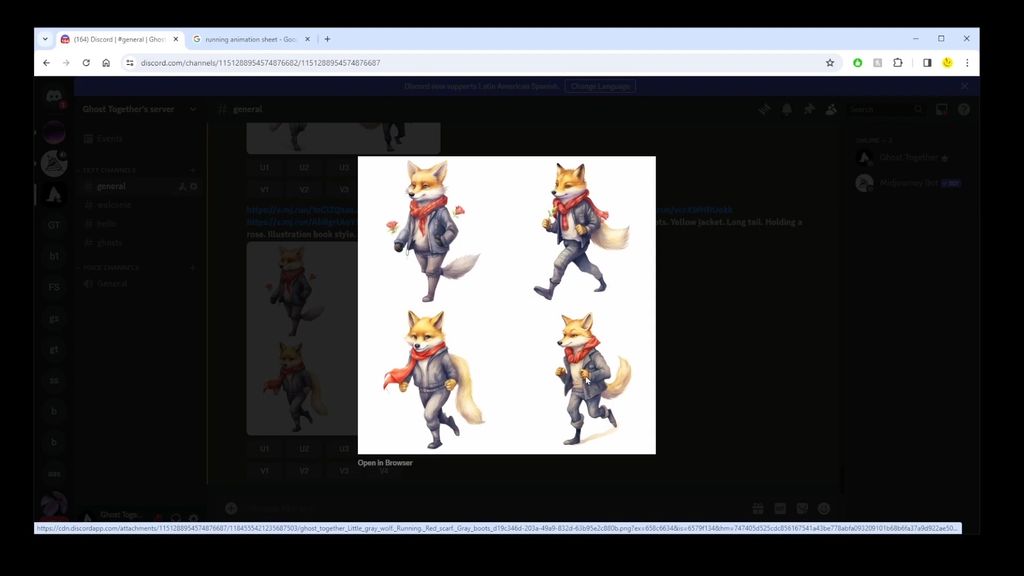
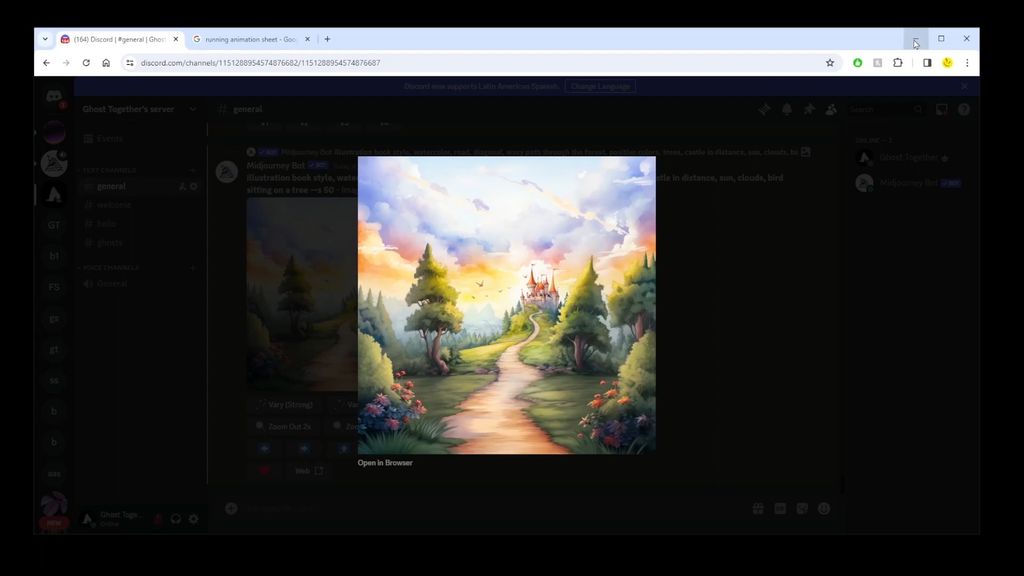
After improving the running action of your character, isolate the running character in Photoshop and create a background for your illustration book in Midjourney. Once you have the background, combine the character with the story background in Photoshop.
Finally, create the title of your book in Illustrator, turn your text into a vector, add a warp effect to the text, and paste it into your book cover in Photoshop. You can change the color of the title to match your character and the overall theme of your book.
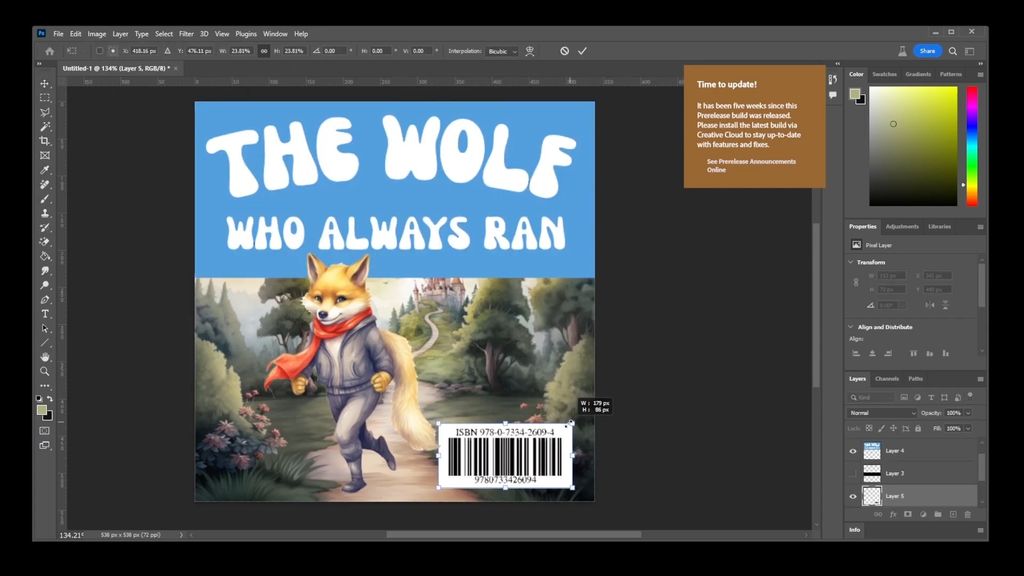
By following these steps, you will be able to create unique characters for your illustration book, design an appealing book cover, and insert your characters into different environments. This allows you to bring your story to life and engage your readers with compelling visuals.